
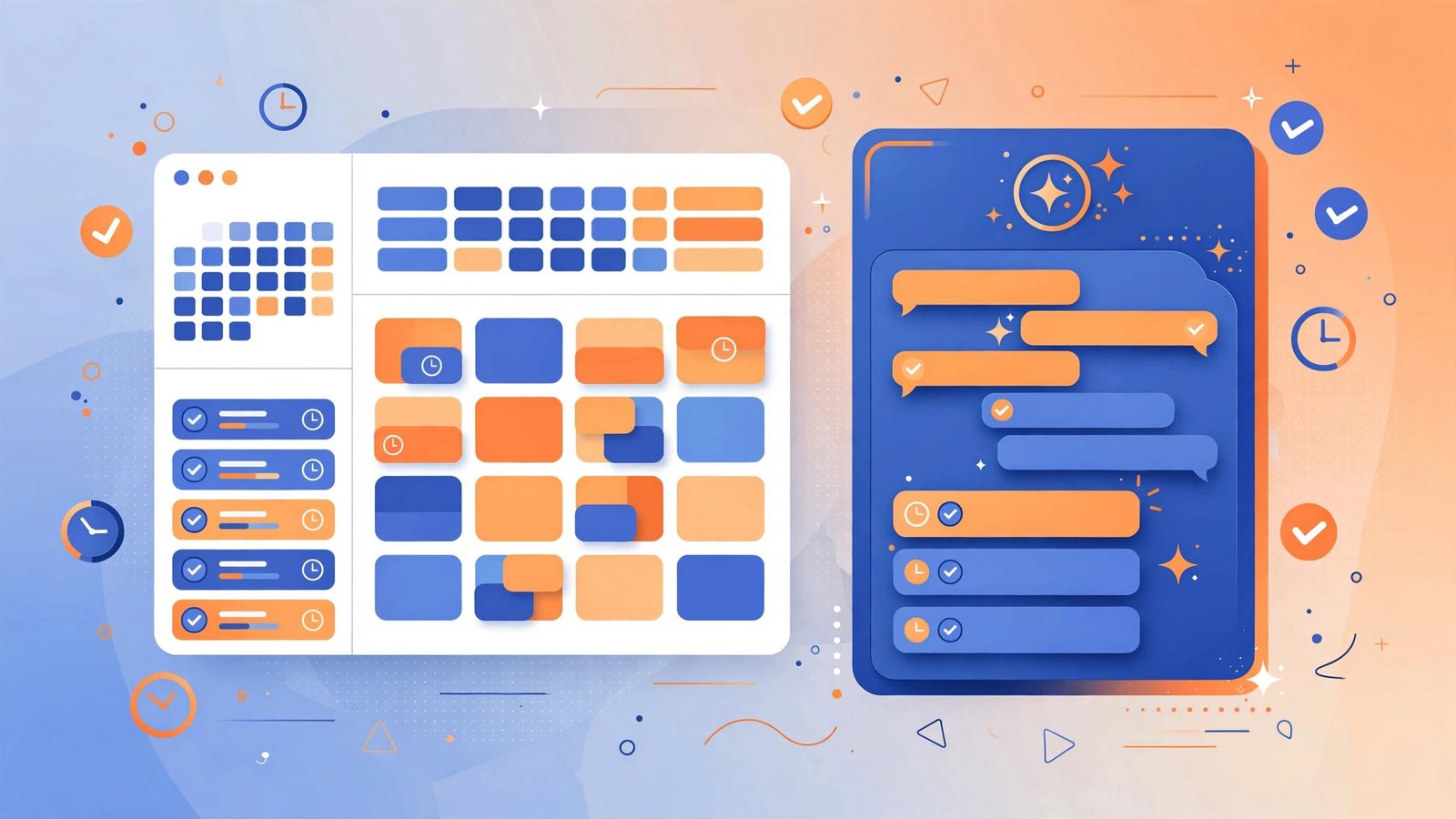
Productivity advice usually assumes a team. But most creators and freelancers are one-person operations — and their bottleneck is not coordination, it is the sheer number of hats: doing the work, scheduling the work, following up on the work, and remembering all of it.
AI productivity tools attack exactly this: they take the organising, scheduling, and reminding off your plate so the working hours go to actual work. Here is what the landscape looks like and how to build a stack that fits a one-person operation.
The main categories
AI task managers
Task managers with AI layered in: they break large tasks into steps, suggest priorities based on deadlines, and surface what to work on next. The honest value is not the AI prioritisation — it is that a tool which drafts your task breakdown removes the “staring at a vague big task” friction that kills mornings.
Smart schedulers
Calendar tools that find meeting times, block focus time automatically, and reschedule around conflicts. For freelancers juggling client calls and deep work, auto-scheduling focus blocks is the killer feature — it protects creative time without manual calendar tetris.
Workflow automation
Tools that connect your apps so repetitive multi-step jobs run themselves: a new client email creates a task, a completed task logs time, a form submission updates a spreadsheet. The AI angle is natural-language setup — describing the workflow in words instead of building it click by click.
AI assistants and copilots
General-purpose assistants embedded where you work — in your docs, your inbox, your browser — that draft, summarise, and look things up. Useful as a complement to dedicated tools, but a poor substitute for them: a copilot will not manage your tasks for you.
Choosing your stack
One tool per job
The golden rule. One task manager, one calendar, one automation tool. Every duplicate is a place where tasks go to be forgotten. If two tools do the same job, keep the one you actually open every day.
Match the tool to your real bottleneck
- Nothing gets scheduled? Start with a smart scheduler.
- Tasks pile up unstarted? Start with a task manager that breaks work into steps.
- Repetitive admin eats hours? Start with workflow automation.
- Meetings eat your week? A dedicated AI meeting assistant that transcribes and summarises calls pays for itself fast.
- Inbox overload? Pair your stack with an AI email writer for drafting and triage.
Free tiers first
Almost every tool in this space has a genuinely usable free tier. Run your real workflow on it for two weeks before paying. Upgrade only when you hit a concrete limit — seats, automations per month, AI credits — that actually blocks you.
Check the integrations
A productivity tool that does not talk to your calendar, your email, and your task list is an island. Before committing, verify the specific integrations you need — “integrates with everything” on a marketing page is not the same as a working two-way sync with your setup.

A sample daily workflow
How a lean AI-assisted day can look for a solo operator:
- Morning (10 min): the task manager surfaces today’s priorities, drafted from deadlines and your stated goals. You adjust, not invent.
- Deep work blocks: the scheduler has already protected two focus blocks; notifications are handled by the tool, not willpower.
- Meetings: the AI meeting assistant joins, transcribes, and files the summary with action items — no note-taking, no “what did we decide?”
- Admin gaps: automation handles the repetitive moves — filing, logging, follow-up reminders — triggered by the events themselves.
- Evening (5 min): glance at tomorrow’s auto-drafted plan. Done.
The pattern: AI handles the organising layer, you handle the judgement layer.
Common mistakes
Collecting tools instead of building habits. Five productivity apps and no weekly review is worse than one app and a Friday planning session. The tool is maybe 20% of the system.
Automating chaos. If your process is a mess, automation just makes the mess faster. Fix the workflow on paper first — then automate the fixed version.
Over-scheduling. An AI scheduler that fills every gap leaves no room for the unplanned work that always appears. Keep buffer time deliberately unscheduled.
Ignoring the data question. Productivity tools see everything: your tasks, your calendar, your messages. Check data policies the same way you would for meeting transcription tools — retention, training use, and deletion options.
The bottom line
AI productivity tools earn their keep when each one owns exactly one job: tasks, schedule, automation, meetings, inbox. Pick the stack that matches your actual bottleneck, run free tiers on real work first, and build the weekly review habit that makes any tool work. The goal is not a cleverer system — it is more hours spent on the work that matters. For the broader creator toolkit, see our guide to AI tools for content creators.



Leave a Reply