
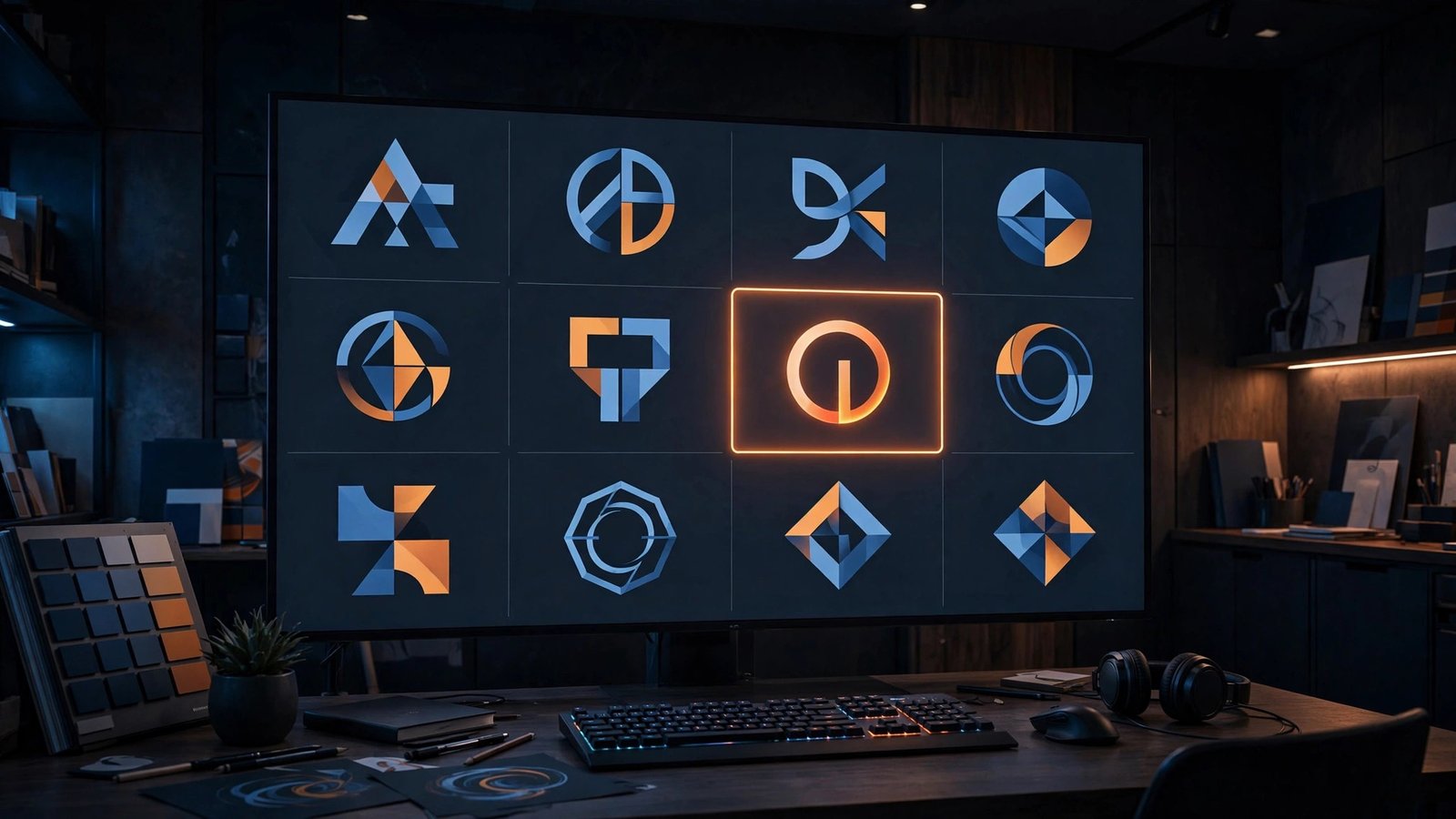
A logo used to mean hiring a designer or settling for clip art. AI logo makers changed that: answer a few questions about your style, and you get dozens of logo concepts in minutes. For a new blog, channel, or side business, that is often exactly what you need.
But not all logo makers are equal, and a logo has sharper requirements than a social graphic — it needs to work at every size, in one colour, and legally belong to you. Here is how to compare them and what to check before you commit.
How AI logo makers work
The basic flow
Most follow the same pattern: you enter your business name (and sometimes a tagline), pick a few style preferences — modern, playful, minimal, vintage — choose icons or symbols you like, and the tool generates a batch of concepts. You then customise colours, fonts, and layout, and download the result.
What the AI actually does
Under the hood, it is mostly smart recombination: matching your preferences against a large library of icons, typefaces, and layouts, then presenting the combinations most likely to work. The better tools adjust spacing, alignment, and proportions as you customise; the weaker ones just stamp your name on a template.
What to compare
Output quality
Look past the demo gallery and test with your own name. Good signs: balanced spacing, readable at small sizes, no awkward icon-text collisions. Bad signs: everything looks like the same template with different words, or the icon has nothing to do with your brief.
Customisation depth
Can you change the icon, the font pairing, the layout, and the colour scheme independently? Or are you limited to picking from preset bundles? A logo you cannot meaningfully adjust is a logo you will outgrow fast. See our guide to AI design tools for non-designers for the broader design context.
File formats — the vector question
This is the single most important technical check. A logo needs to scale from a favicon to a billboard without going blurry, which means you need vector files (SVG, EPS, or PDF with vector content). Many logo makers only export raster images (PNG, JPG) — fine for a website header, useless for print, merchandise, or signage. If a tool does not offer vector downloads on its paid tier, think twice.
Commercial rights
Who owns the logo? Terms vary: some tools grant full ownership on paid plans, others grant a licence that can be revoked, and a few restrict free-tier logos to non-commercial use. Read the terms before you build a brand on it. This matters more for logos than any other design asset, because rebranding later is expensive.
Price model
Common shapes: one-time payment per logo, or a subscription that includes logo downloads among other features. For a single logo you will use for years, one-time pricing usually wins. Watch for upsells — “premium files” or “brand kits” that should have been included.

When a logo maker is enough — and when it is not
Enough for
Blogs, YouTube channels, side projects, MVPs, and local businesses that need something clean and professional fast. If your logo mainly lives on a website header and social avatars, a good logo maker is genuinely sufficient.
Hire a designer when
Your brand is the business (fashion, food, agencies), you need something truly distinctive rather than professional-looking, or you need a full identity system — not just a logo but the whole visual language. Also consider it when trademark protection matters: an AI-generated logo built from stock icons is harder to defend than original work.
A practical evaluation routine
- Run your real business name through two or three tools on free tiers.
- Shrink each concept to favicon size — if it is unreadable, reject it.
- Test it in one colour (black on white). A logo that only works in full colour is a weak logo.
- Check the vector export and read the commercial-rights terms.
- Only then compare prices.
Protecting your logo once it is live
Getting the logo is only half the job — a few habits keep it working hard:
- Use it consistently. Same logo, same colours, everywhere: website header, social avatars, email signature, invoices. Consistency builds recognition faster than any single design choice.
- Keep the source files. Store the vector files and the original project somewhere safe (and backed up). You will need them for print, merchandise, or a future rebrand.
- Make a one-page style note. Even a simple document listing your logo, colours, and fonts saves endless back-and-forth when someone else makes something for you — a freelancer, a printer, a web developer.
- Check trademark basics. If the brand matters commercially, a quick search of your country’s trademark database tells you whether a confusingly similar mark already exists. This is not legal advice — for anything high-stakes, talk to a professional.
The bottom line
AI logo makers are a legitimate shortcut to a professional-looking logo — provided you check the three things that matter: vector files, real customisation, and clean commercial rights. Get those right and you have a logo that serves you for years. Get them wrong and you have a pretty picture you cannot print and do not own. For keeping that logo consistent across everything you make, set up a brand kit as described in our design tools guide.



Leave a Reply