
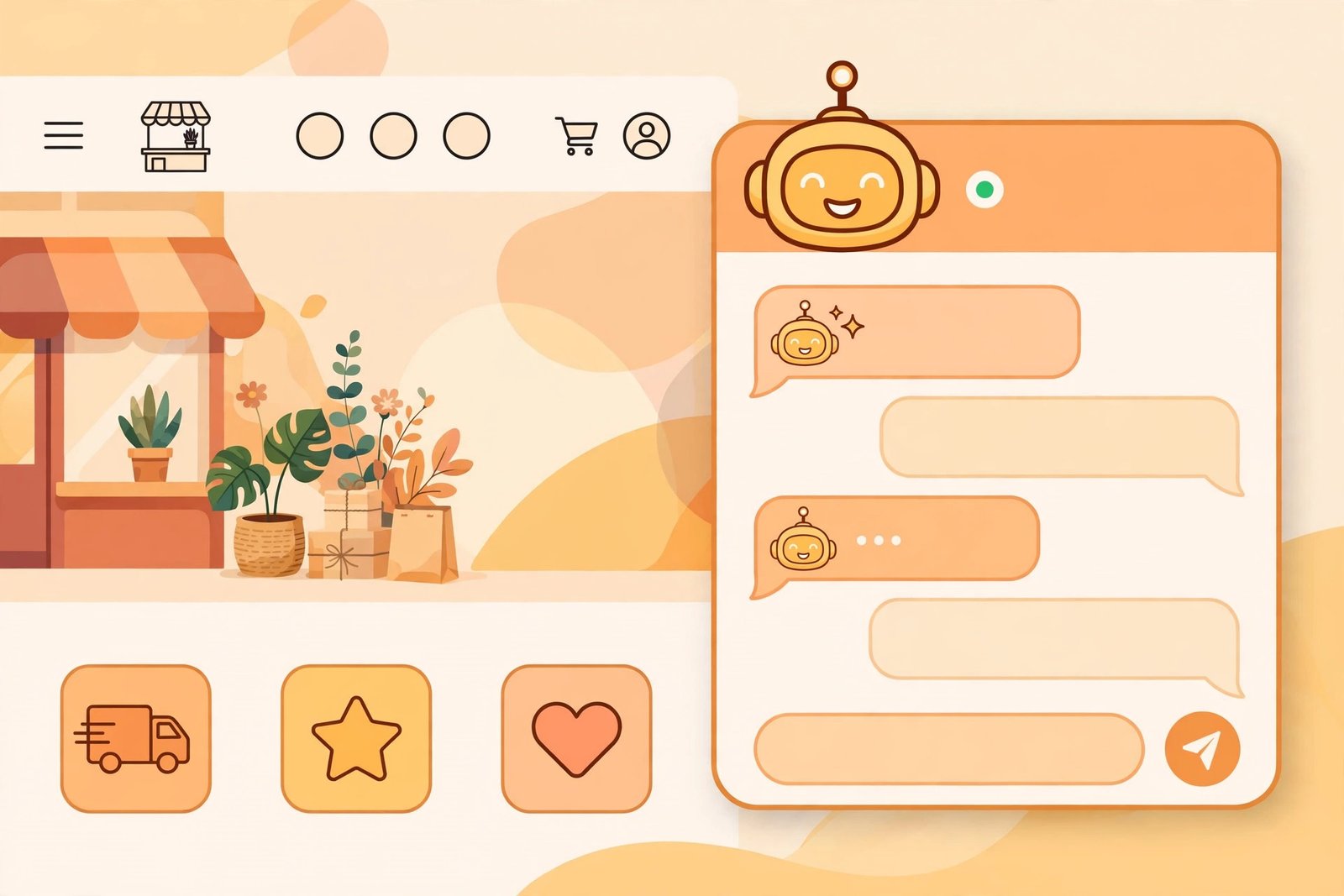
Every small business has the same problem: customers ask the same questions at all hours, and there is nobody to answer at 11pm. An AI chatbot for small business promises to fix that — answering common questions, booking appointments, and capturing leads while you sleep. Some of that promise is real. This guide covers what these chatbots actually do, whether to build or buy, what they cost, and the pitfalls to avoid before you deploy one on your site.
For the broader support picture — helpdesk automation, ticket triage, knowledge bases — see our companion guide to AI customer support tools.
What a small-business chatbot actually does
Forget the sci-fi version. A practical small-business chatbot handles a narrow set of jobs:
- Answering FAQs. Opening hours, pricing, delivery times, return policy — the questions your inbox already answers daily.
- Lead capture. Asking for a name, email, and what the visitor needs, then routing it to you.
- Booking and scheduling. Letting customers book appointments or consultations without the email back-and-forth.
- Order and account lookups. “Where is my order?” answered from your store or booking system, not from memory.
- Triage. Deciding whether the visitor needs a human now, later, or never — and escalating accordingly.
If your business does not have at least two of these jobs in volume, a chatbot is probably premature. A good FAQ page might be the better investment.
Build vs buy
Buy: chatbot platforms
Dedicated chatbot builders let you configure a bot without code: define the questions it answers, connect your FAQ or website as its knowledge source, and embed a widget on your site. Most offer free tiers with message limits and paid plans that scale with conversations. This is the right choice for the vast majority of small businesses — you get a working bot in an afternoon.
Build: custom development
A developer can build a chatbot on top of AI APIs, tailored to your systems and brand. This makes sense only when you need deep integration — pulling live data from a custom booking system, for example — or when conversation volume justifies the investment. For most small businesses, it is overkill.
The middle path: AI assistants inside tools you own
Many platforms you already use — website builders, ecommerce platforms, helpdesk software — now include AI chat features. Before buying anything standalone, check what your current stack already offers. The built-in option is often good enough and has zero integration cost.

What it costs (in general terms)
Pricing usually follows conversations or messages per month: a free tier covering a few dozen to a few hundred chats, then paid plans scaling with volume. The honest way to budget: estimate your monthly visitor chats (a busy local business might see a few hundred; a quiet one, dozens), then price the tier that covers that with headroom. Do not pay for 10,000 monthly conversations when you get 200 visitors.
Setting it up well: the part most businesses skip
The technology is the easy part. The setup is where chatbots succeed or fail:
- Feed it your real answers. The bot is only as good as its knowledge source. Give it your actual FAQ, policies, price lists, and the answers you give customers every day — in your words.
- Define its boundaries. Tell it explicitly what it must not do: no inventing prices, no promising discounts, no giving legal or medical advice. Unbounded bots hallucinate; bounded bots behave.
- Design the handoff. Every bot needs a clean escape to a human: “Would you like me to have someone call you?” with a working capture form. A bot that traps frustrated visitors is worse than no bot.
- Test with real questions. Before launch, run fifty real customer questions through it — including the awkward ones. Fix what it gets wrong.
- Review transcripts weekly. The first month of chat logs is gold: it shows what customers actually ask, which becomes your improved FAQ and your content ideas.
The pitfalls
- Hallucinations. AI chatbots can invent policies, prices, and promises with total confidence. Grounding the bot in your own documents and setting firm boundaries is the mitigation — not optional.
- No human escape. The fastest way to anger a customer is a bot loop with no exit. Always offer a human.
- Set and forget. Businesses change prices, hours, and policies; bots do not update themselves. Assign someone to review the knowledge source monthly.
- Over-automation. Not every conversation should be automated. High-value sales conversations and upset customers deserve humans from the start — use the bot to triage toward them, not replace them.
Measuring whether it works
Track four numbers: how many chats the bot handles without human help (containment rate), how many escalate cleanly, how many leads it captures, and customer satisfaction on bot-handled chats. If containment is high but satisfaction is low, the bot is deflecting, not helping — retrain or narrow its scope.
The bottom line
An AI chatbot for small business is a force multiplier for answering routine questions and capturing leads around the clock — provided you feed it real answers, bound its behaviour, and always offer a human exit. Start with a platform’s free tier, test with real questions, and review the transcripts. Done right, it is one of the highest-ROI automations a small business can deploy.


Leave a Reply