
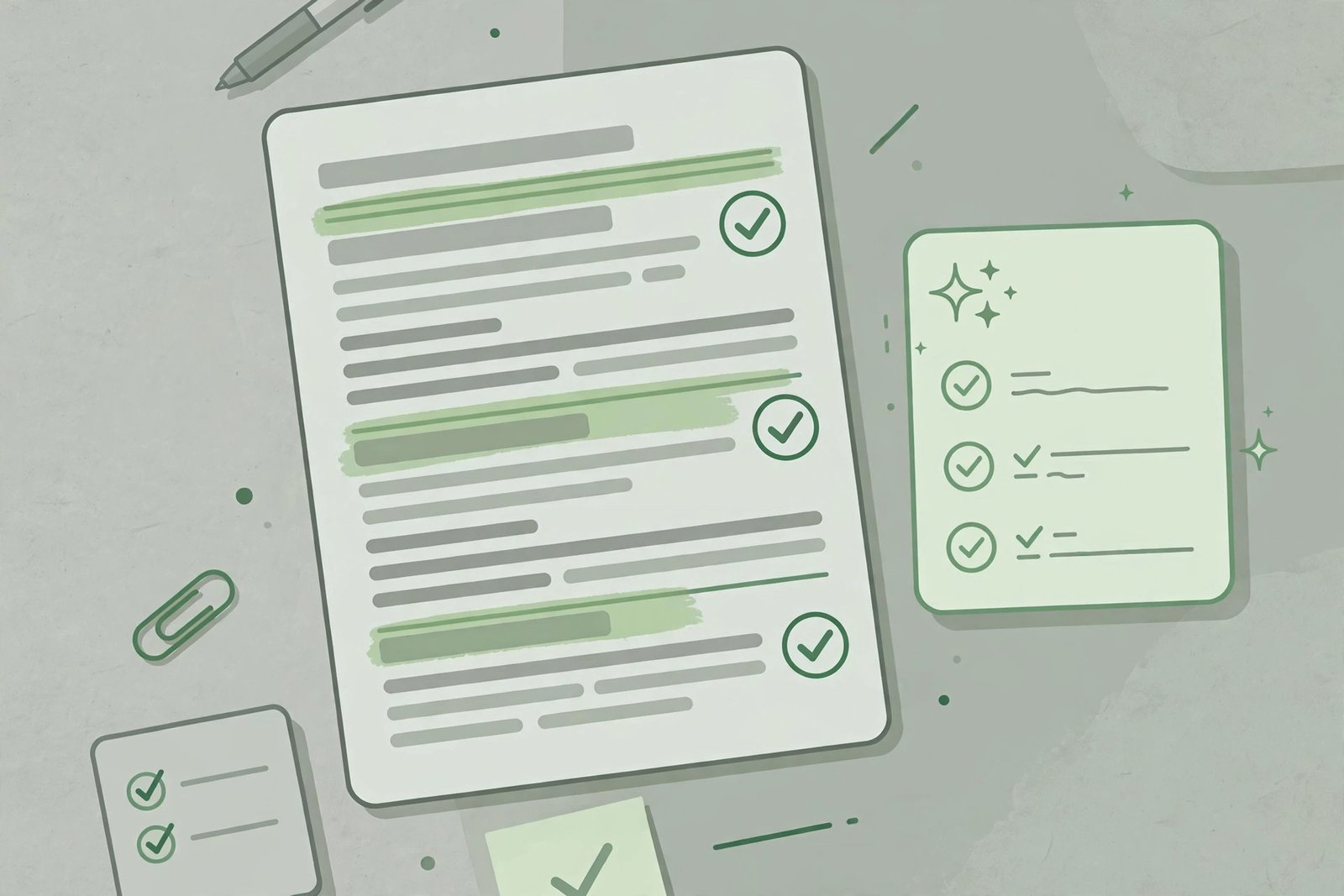
A resume is a strange document: it has to impress a human in six seconds and survive a robot that parses it before the human ever sees it. AI resume builders promise to handle both — drafting your bullet points, formatting everything cleanly, and keeping the layout machine-readable.
They are genuinely helpful, with one hard rule: the facts must be yours. Here is what these tools do well, what to watch, and how to choose one.
What AI resume builders do
Bullet-point drafting
The standout feature. You describe what you did in a role — “managed a team of five, cut costs” — and the tool turns it into crisp, achievement-oriented bullet points with strong verbs and quantified results. This is the part most people struggle with, and AI is legitimately good at it.
Templates and formatting
Clean, professional layouts with proper spacing and hierarchy — no more fighting with word processor margins. The better tools offer templates designed for different industries, from conservative (finance, law) to creative (design, media).
Content suggestions
Many tools suggest skills to add, flag weak phrasing (“responsible for” gets rewritten), and prompt you for missing information like quantified achievements. Treat these as a demanding editor, not a ghostwriter.
Tailoring to job descriptions
Some tools compare your resume against a specific job posting and suggest keyword and emphasis adjustments. Used honestly — highlighting real experience that matches — this is one of the highest-value features.
ATS considerations
What ATS actually does
Applicant Tracking Systems parse your resume into structured data before a recruiter sees it. Fancy formatting that confuses the parser — text in images, tables, text boxes, unusual fonts — can mangle your application silently. This is where template choice matters more than AI features.
Choosing an ATS-safe template
Prefer simple, single-column layouts with standard section headings (Experience, Education, Skills). Avoid graphics-heavy templates, skill bars, and charts — they look modern and parse terribly. When in doubt, the boring template is the safe template.
Keywords, honestly
Tailoring your resume’s language to the job posting helps both ATS and human readers — but only with skills and experience you actually have. Adding keywords for things you cannot do will surface in the first interview.
Keeping it honest
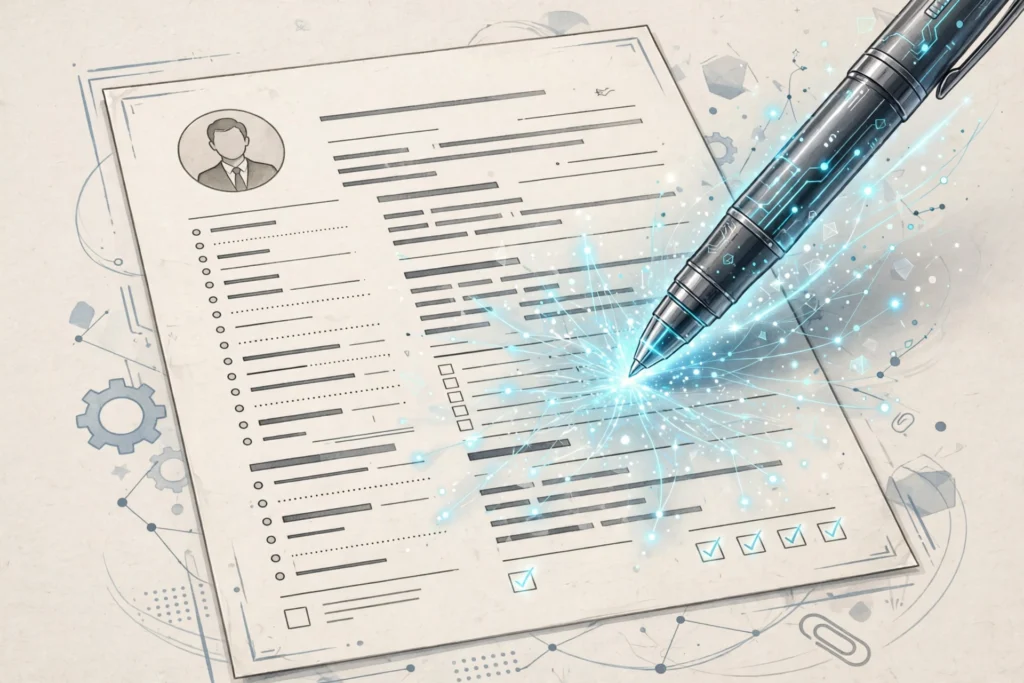
This is the section that matters most. AI makes it dangerously easy to produce a resume that sounds impressive and is not true:
- Never invent achievements, dates, titles, or employers. Background checks exist, and discrepancies end candidacies.
- Do not claim skills you do not have. “Proficient in Python” means you can do the job in Python, not that you once opened a tutorial.
- Quantify only what you can defend. If the AI suggests “increased revenue 40%,” make sure that number is real and attributable.
- Read every line as the interviewer. If a bullet would prompt a question you cannot answer well, rewrite or remove it.
A resume is a legal-adjacent document in many hiring processes. The AI drafts; you attest.
How to choose
Template quality
Generate a sample with your real information and read it critically. Does the layout guide the eye to the important parts? Does it survive as a plain PDF? Ugly-in-PDF is a dealbreaker.
Export formats
You need clean PDF export at minimum, and ideally DOCX too — some employers and recruiters specifically request Word format. Check that exports preserve the formatting exactly.
Data privacy
Your resume contains your employment history, contact details, and sometimes your address. Check the tool’s data policy: where is it stored, how long is it kept, and is it used to train models? Prefer tools with clear deletion options.
Price model
Many builders are free to draft but charge to download or for premium templates — a frustrating pattern. Check the true cost of getting a finished PDF before investing an hour in the editor. One-time fees beat subscriptions for a document you update a few times a year.
The review checklist
Before you send anything:
- Facts — every date, title, number, and claim is true and defensible.
- One page (or two, if you have the experience to fill them) — recruiters skim.
- Contact details current — and a professional email address.
- PDF renders perfectly — open the export and read it fresh.
- Tailored, not generic — the top third of the resume should speak to this specific role.
The bottom line
An AI resume builder is an excellent editor and formatter for your career story — it turns rough experience into sharp bullet points and wraps everything in a clean, ATS-safe layout. What it cannot do is supply the story itself. Bring real achievements, keep every claim honest, and let the tool handle the presentation. For AI help with the writing side of job applications more broadly, our guide to AI writing tools covers cover letters and professional documents.




Leave a Reply