
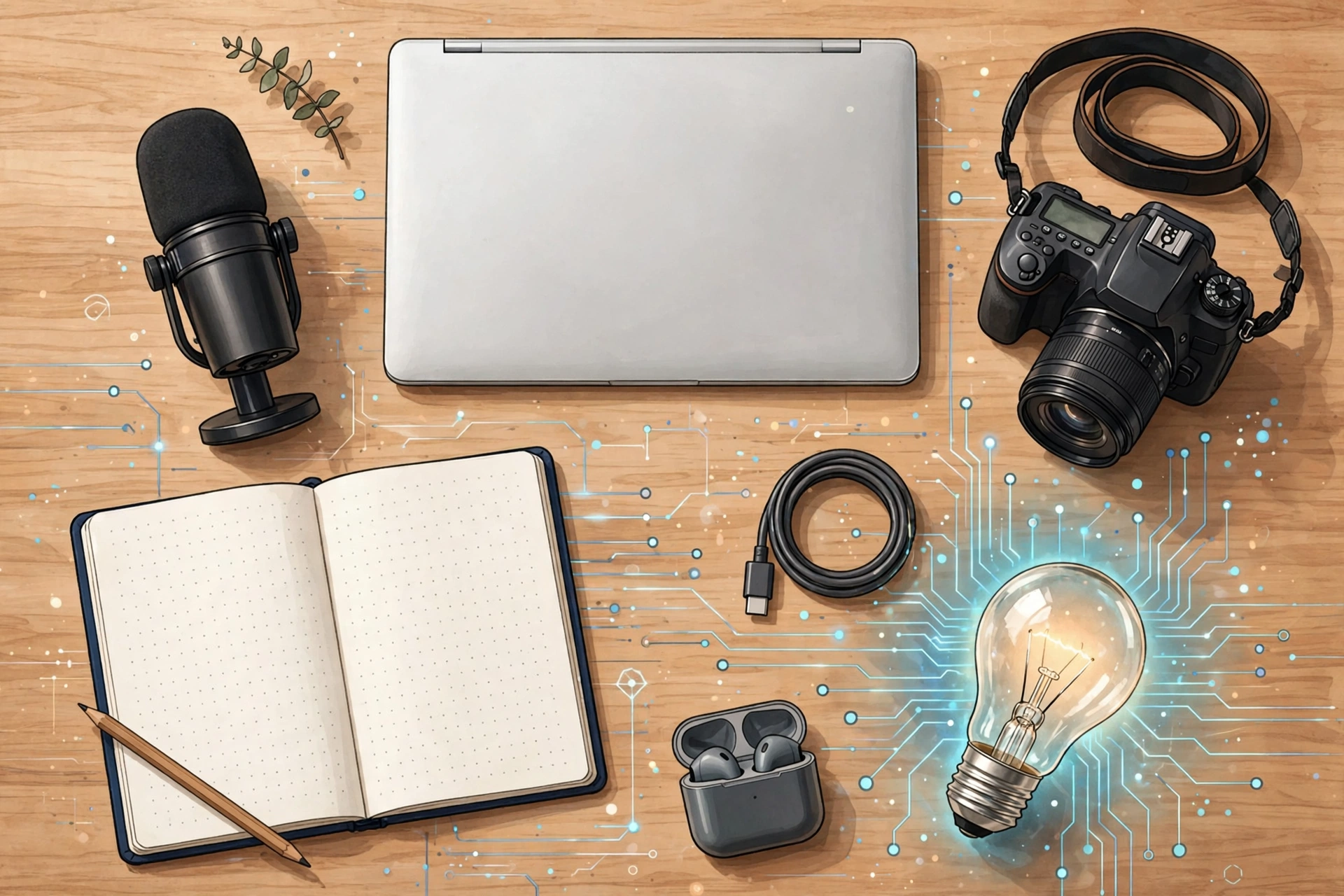
Starting out as a creator in 2026 comes with a paradox: there are more AI tools for creators than ever, and most beginners either sign up for nothing (paralyzed by choice) or pay for everything (and use almost none of it). The fix is a starter stack — the smallest set of tools that covers every job in a creator’s workflow, all free to begin with, with a clear upgrade path when you outgrow each one. Here are the five slots that matter, the best free pick for each as of October 2026, and exactly when it’s worth paying.
Slot 1 — Writing: ChatGPT
The job: scripts, captions, hooks, titles, newsletter drafts, and turning one idea into a week of posts.
The pick: ChatGPT’s free tier. It handles unlimited everyday text chats — enough for scripting a video, rewriting captions in different tones, and brainstorming titles. Image generation, file uploads, and voice are rationed on free, and the interface is ad-supported, but for pure writing work the free plan is genuinely usable.
When to upgrade: when you hit the daily caps during real work sessions, or the ads annoy you. Go costs around $8/month for roughly 10x the free volume; Plus at $20/month removes ads and unlocks deeper research and bigger uploads. Most beginners won’t need either for the first few months — pricing moves often, so check OpenAI’s pricing page when the time comes.
Slot 2 — Video: CapCut
The job: cutting footage, auto-captions, and assembling short-form video without learning a professional editor.
The pick: CapCut’s free plan. You get the full timeline editor on mobile and desktop, multi-track editing, chroma key, transitions, filters, and a large template library, with exports up to 1080p. The catches on free: watermarks appear on premium templates and assets, and AI features are capped at a handful of uses per month.
When to upgrade: when watermarks start appearing on exports you want to publish, or you need 4K. Standard (~$9.99/month, mobile-focused) removes watermarks; Pro (~$19.99/month or ~$179.99/year) unlocks 4K export, the full AI toolkit, and 1TB of cloud storage. Prices vary by region and app store — check the in-app upgrade screen before subscribing.
Slot 3 — Design: Canva
The job: thumbnails, social graphics, featured images, and anything visual that isn’t video.
The pick: Canva Free. It includes millions of free templates and photos, the core design editor, 5GB of storage, and a limited monthly allowance of Magic Studio AI uses (text-to-image generations, Magic Write). For thumbnails and social posts, it’s one of the best free tools in any software category.
When to upgrade: when you keep hitting the crown icons — premium templates, background remover, Magic Resize, and transparent PNG export are Pro-only. Canva Pro runs around $15/month or $120/year (annual billing saves a chunk), with 10x the AI allowance, 100GB of storage, and the full Magic Studio suite. Upgrade when design becomes a daily bottleneck, not before.

Slot 4 — Voice: ElevenLabs
The job: voiceovers for faceless videos, narrated shorts, podcast intros, and fixing a flubbed line without re-recording.
The pick: ElevenLabs’ free plan. You get 10,000 credits a month — roughly 10 minutes of generated audio — which is enough to test voiceovers and short narrations. Two important limits: the free tier doesn’t include a commercial license (attribution required, non-commercial use), and voice cloning isn’t available.
When to upgrade: the moment you monetize anything using the voice. Starter at $6/month (30,000 credits, ~30 minutes) adds the commercial license and instant voice cloning — the cheapest “am I covered?” answer in the lineup. Creator at $22/month (~121 minutes) adds professional voice cloning for regular publishers. Start free, upgrade to Starter when the channel earns its first dollar.
Slot 5 — Planning: Notion
The job: content calendar, script drafts, idea bank, and keeping the whole operation in one place.
The pick: Notion’s free plan. Solo users get unlimited pages and blocks, 10 guest collaborators, 7-day page history, and 5MB file uploads — more than enough for a personal content HQ with a calendar database, script templates, and an idea backlog. There’s also a limited trial of Notion AI.
When to upgrade: when you add collaborators and hit the team block cap, or need bigger file uploads and longer history. Plus is $10/month billed annually ($12 month-to-month) with unlimited blocks for teams and unlimited uploads. Most solo creators never need it — the free plan is famously generous for one person.
Total cost: $0 to start
Here’s the whole stack at a glance:
| Slot | Tool | Free tier | First paid tier | Upgrade when… |
|---|---|---|---|---|
| Writing | ChatGPT | $0, unlimited text chats | ~$8/mo (Go) | You hit daily caps |
| Video | CapCut | $0, full editor, 1080p | ~$9.99/mo (Standard) | Watermarks appear on exports |
| Design | Canva | $0, 5GB, limited AI uses | ~$15/mo or $120/yr (Pro) | You need background remover / premium assets |
| Voice | ElevenLabs | $0, ~10 min audio/mo | $6/mo (Starter) | You monetize anything with the voice |
| Planning | Notion | $0, unlimited pages solo | $10/mo annual (Plus) | You add a team or need bigger uploads |
Day-one total: $0. A realistic month-six total for a creator publishing weekly: $6 (ElevenLabs Starter, once monetized) + $0–15 (Canva Pro if design is daily) = $6–21/month. Everything else stays free until your output justifies it. The rule: upgrade the single tool you hit the limits of first, and re-audit quarterly — five unused subscriptions is how beginners burn money.
Frequently asked questions
Do I really need all five tools?
You need all five jobs covered — writing, video, design, voice, and planning. Whether that’s five tools or fewer is up to you: CapCut covers basic captions and some design, Canva does light video. But dedicated tools beat bundled compromises once you’re publishing regularly, and since all five are free to start, there’s no cost to keeping them separate.
What’s the cheapest upgrade order?
ElevenLabs Starter ($6/month) first, the moment you monetize — it’s a licensing requirement, not a luxury. Then Canva Pro (~$15/month) when design becomes daily work. Then CapCut Standard/Pro when watermarks or 4K matter. ChatGPT and Notion can stay free almost indefinitely for a solo creator.
Can I run a YouTube channel on just free tiers?
Yes, with caveats. Script on ChatGPT free, edit in CapCut free, design thumbnails in Canva free, plan in Notion free — all genuinely workable. The two real limits: ElevenLabs free has no commercial license (so use your own recorded voice or CapCut’s text-to-speech until you upgrade), and CapCut free watermarks premium assets (stick to the free-marked templates).
When should I ignore this stack and buy something else?
When you have a specific bottleneck this stack doesn’t solve — e.g., you need transcript-based editing (Descript), long-form writing quality (Claude), or cinematic AI clips (Runway). The starter stack is for getting to consistent publishing; specialty tools come when a specific job is eating your week.
Conclusion
The best ai tools for creators aren’t the most powerful ones — they’re the ones you’ll actually open every day at a price that doesn’t hurt. ChatGPT for words, CapCut for cuts, Canva for visuals, ElevenLabs for voice, Notion for the plan: five free tiers, zero dollars, and a clear upgrade path for each. Start publishing this week on the free stack, and let your output — not a launch video — decide what you pay for next.
Related: Best AI Tools for Content Creators in 2026, AI Content Creation Tools: The Complete Guide



Leave a Reply